
雙語咖啡廳海報
Create a square cafe-poster concept with a citrus illustration and cream background. Exact text only: SUMMER SPECIAL, 夏日特饮. Give both languages clear space and matching visual weight. No extra lettering or logo.
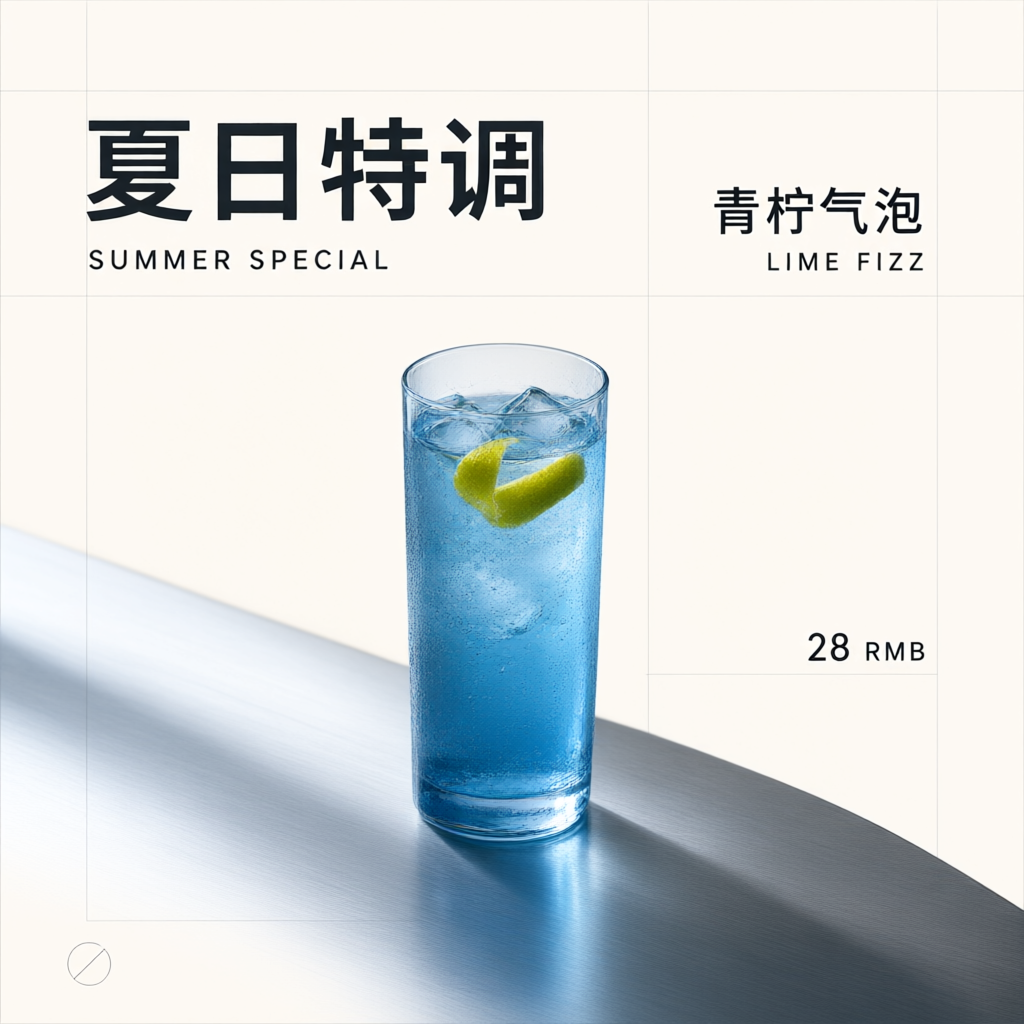
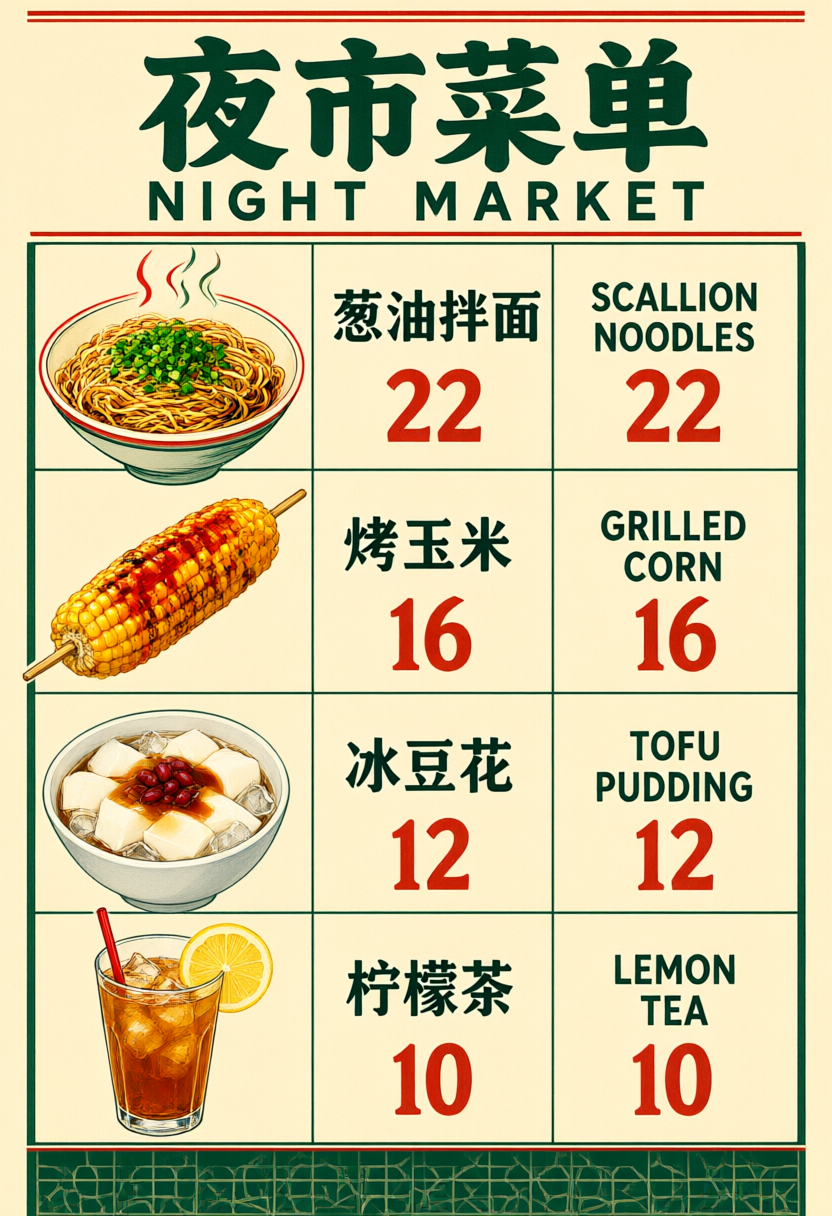
探索海報或菜單中的中英文文字。使用設計前,檢查每個字元、價格與換行。
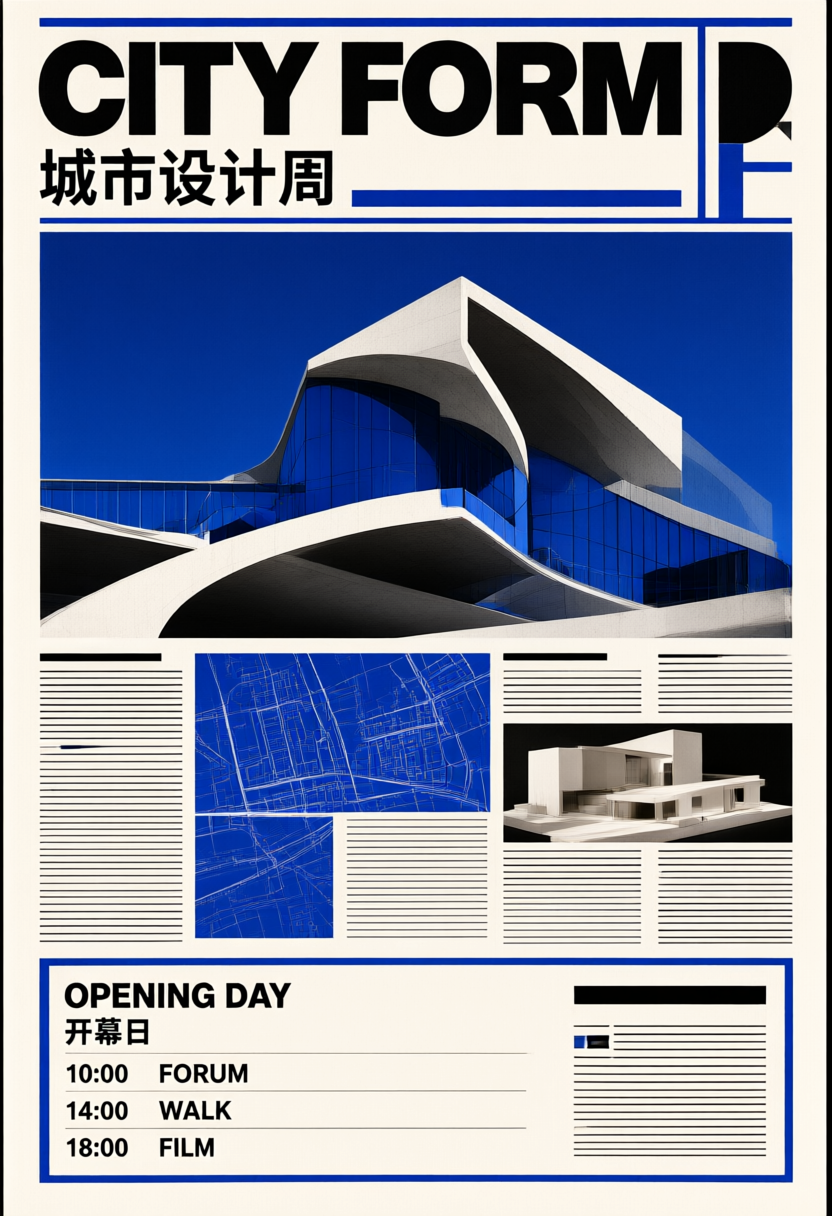
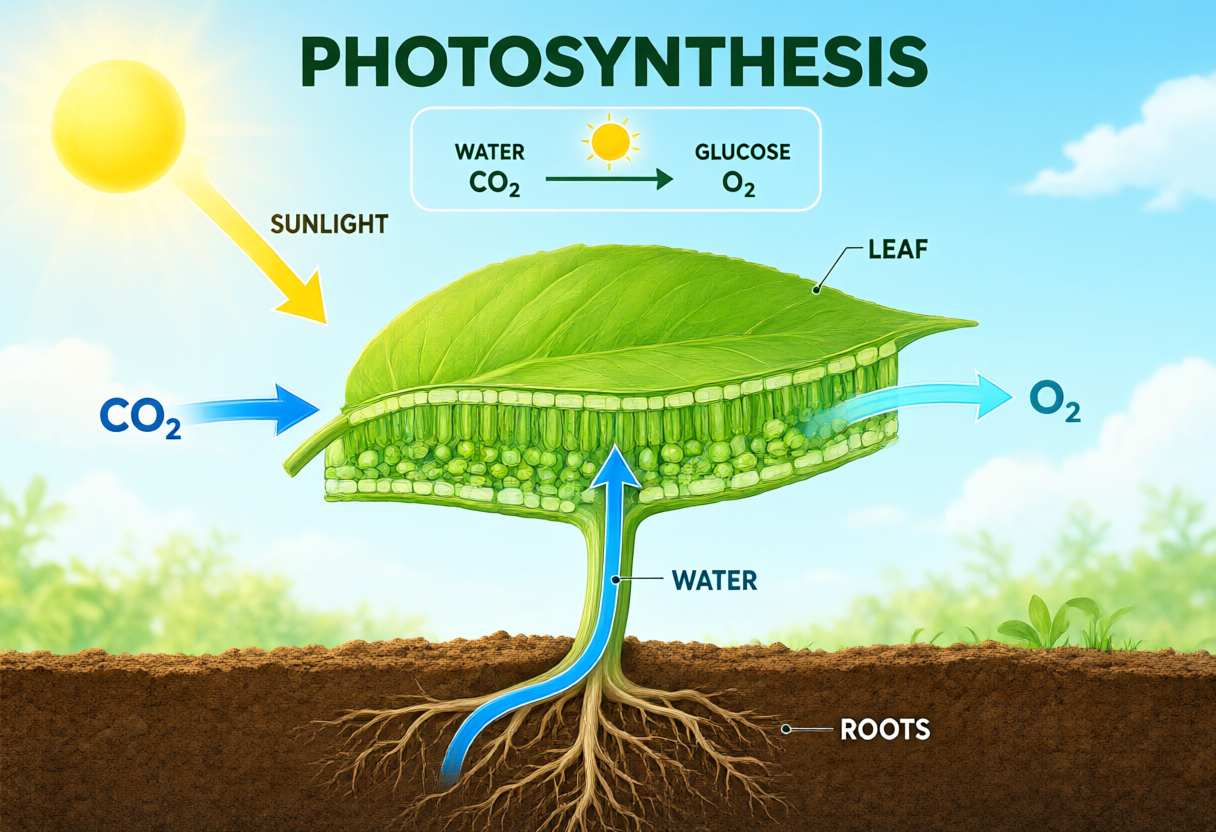
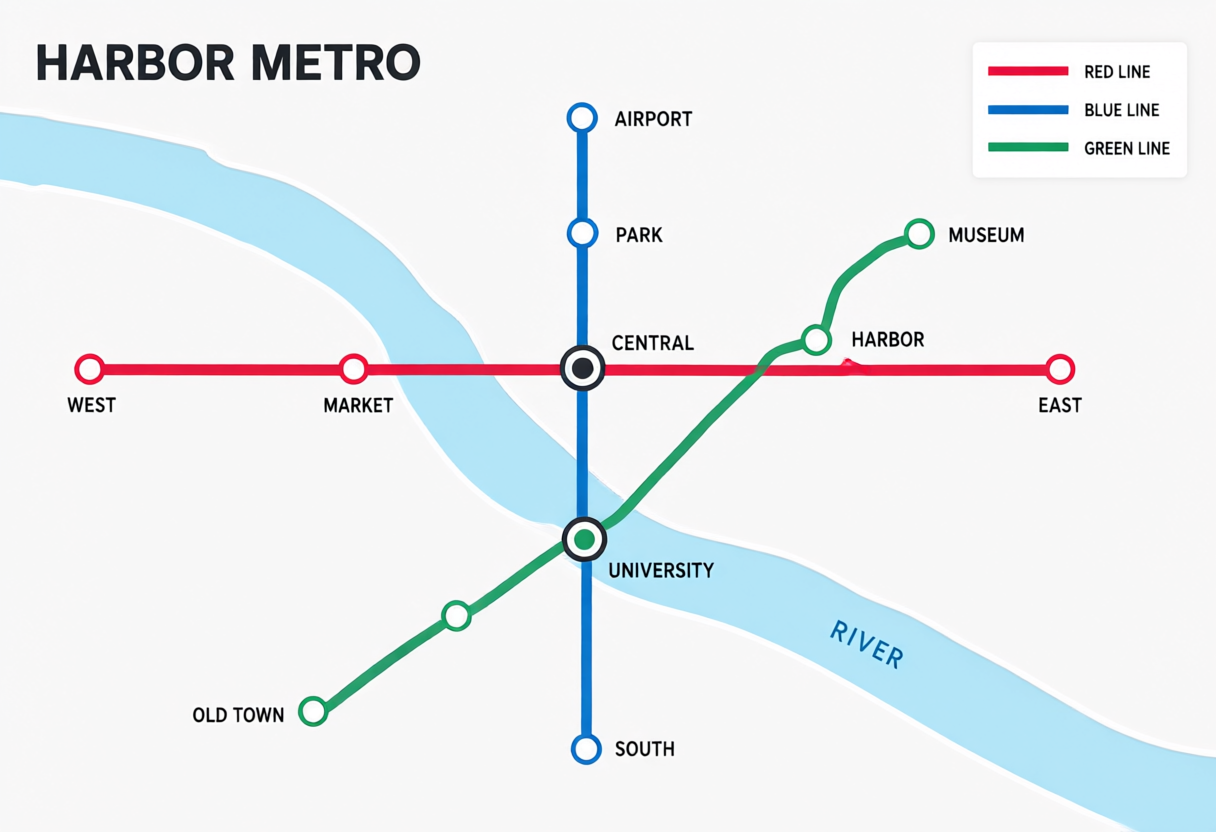
在解說圖或虛構地圖中,檢查資訊順序、指標位置與視覺分組。
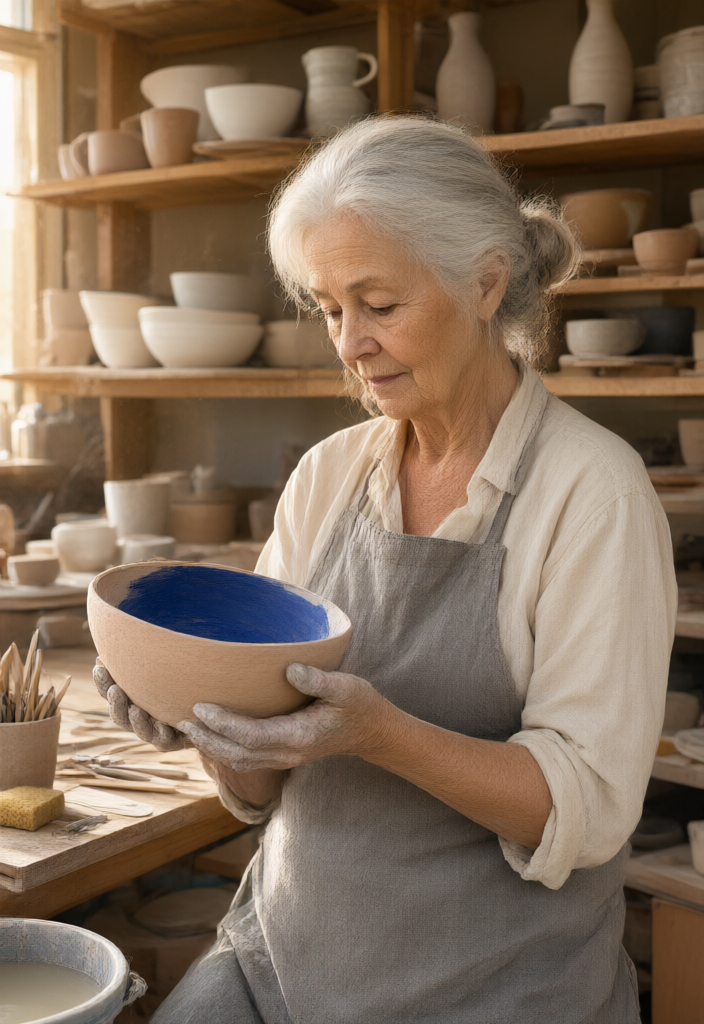
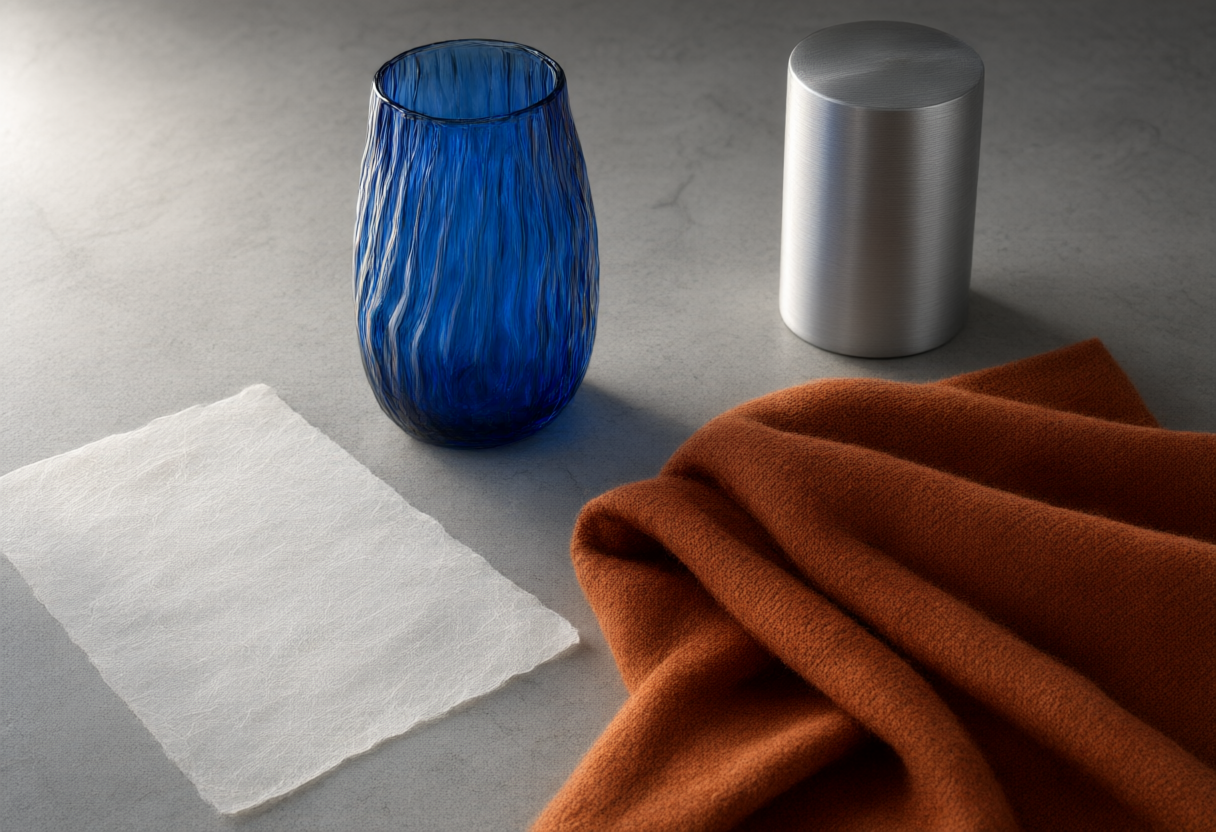
在參考圖庫中比較皮膚、布料、玻璃與紙張。以完整尺寸檢查質感與主體細節。
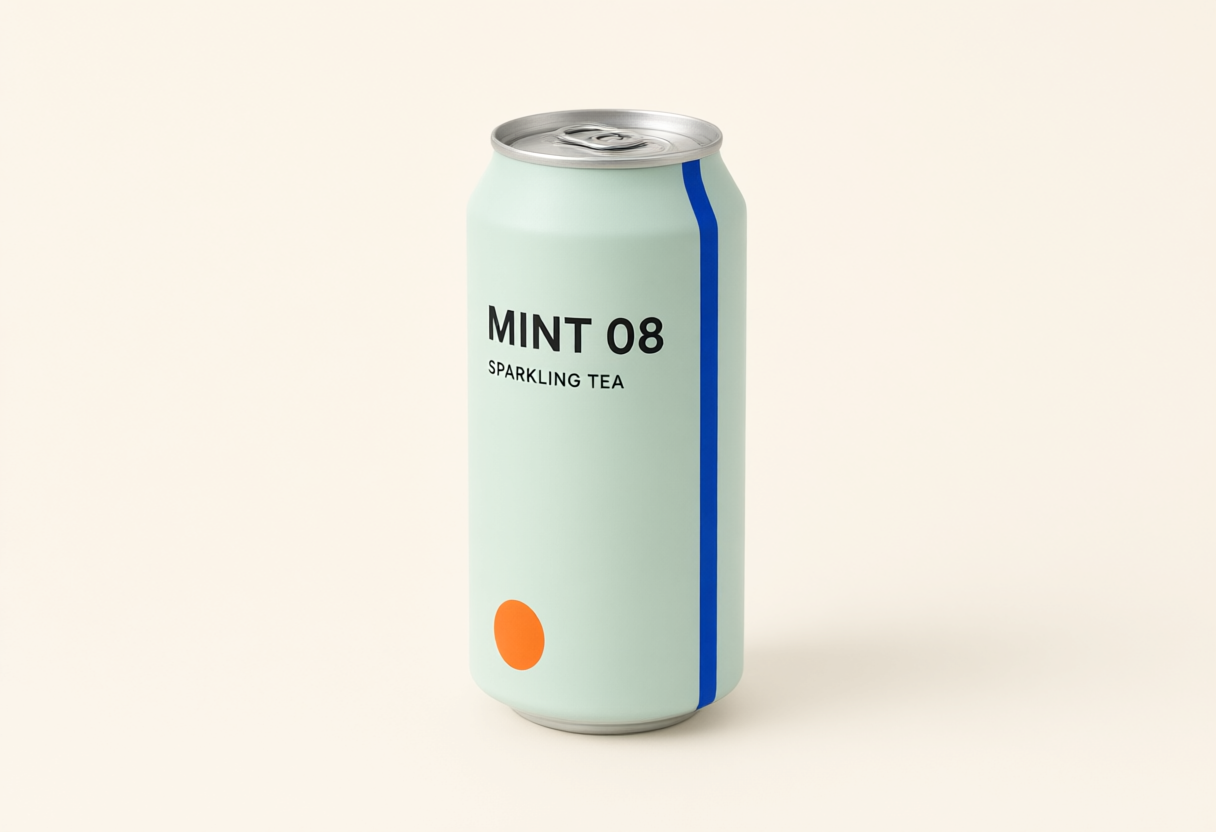
比較產品參考圖與不同場景的差異。留意字樣、比例與鏡頭位置的變化。
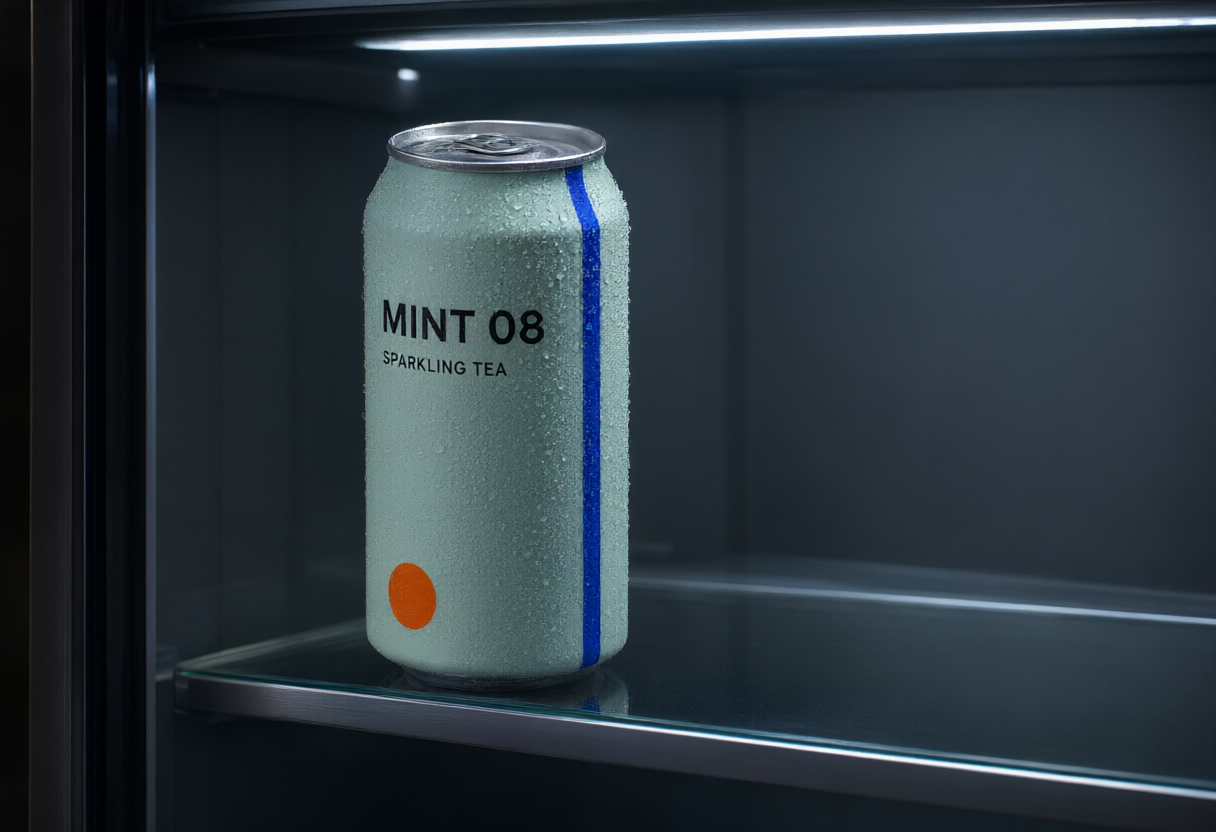
示例素材來自 Zanta。新生成結果可能不同,請檢查自己的作品。
Create a square cafe-poster concept with a citrus illustration and cream background. Exact text only: SUMMER SPECIAL, 夏日特饮. Give both languages clear space and matching visual weight. No extra lettering or logo.
Design a fictional harbor-weather card with three columns. Exact labels only: MORNING, AFTERNOON, EVENING. Use sun, cloud, and rain illustrations, navy on ivory, and a clean reading order.
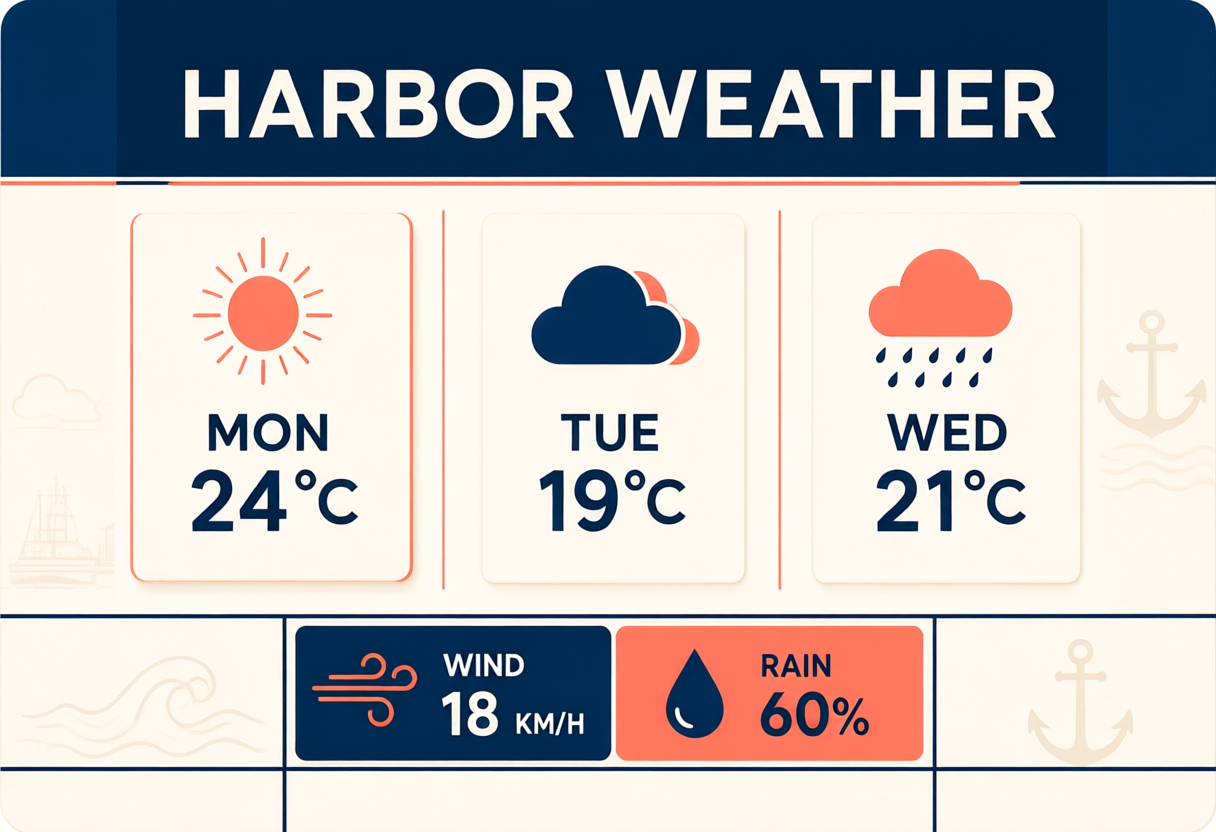
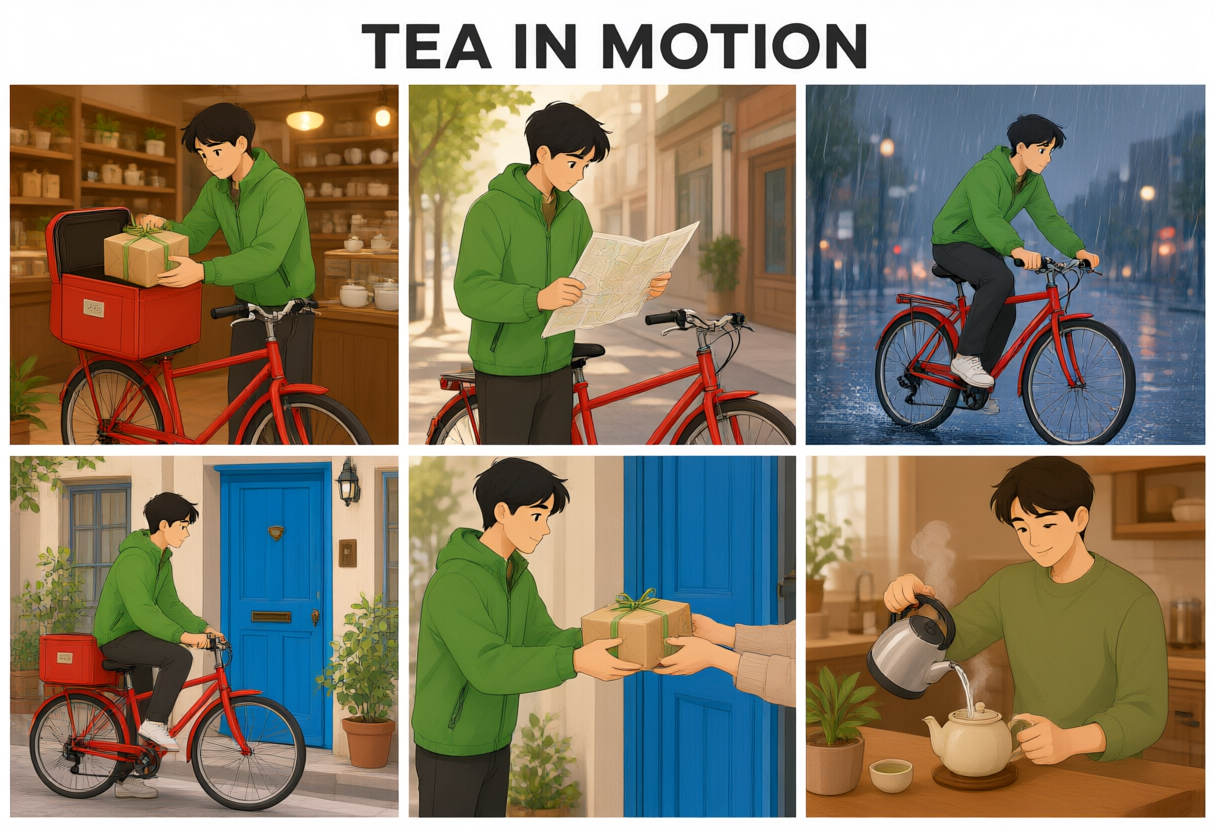
Create six wordless storyboard panels showing one cream delivery robot carrying a green tea package from a cafe to a quiet city doorway. Preserve its shape and colors in every frame.
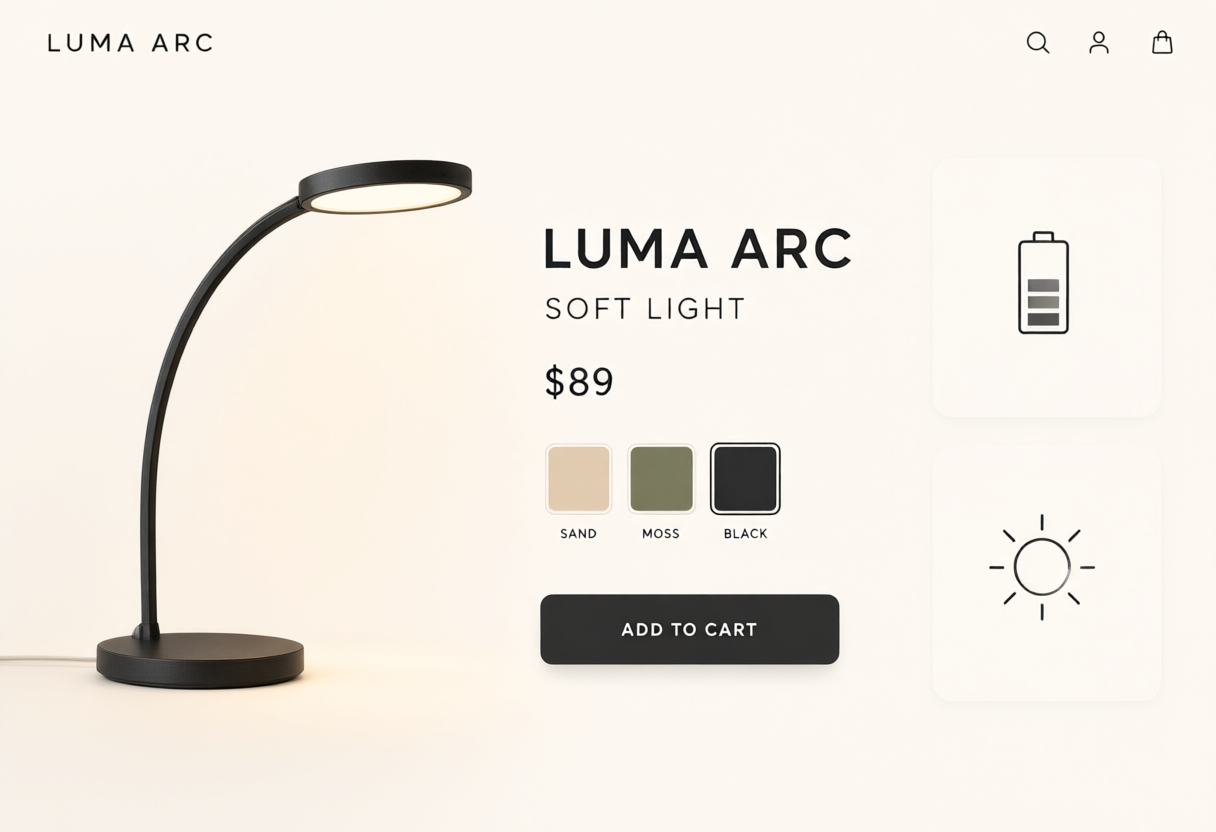
Create an original ecommerce layout concept for an amber table lamp, with one large hero and three detail views. Exact text only: LUMA ARC, AMBER, DETAILS. This is a raster design concept without interactive controls.
撰寫一份讓結果容易檢查、比較與調整的製作簡報。
定義主體、材質、環境與要保留的細節。
設定長寬比,並說明主體在畫面中的位置。
提供精確文字,並以完整尺寸檢查小細節。
發布前檢查與來源的一致性及最終裁切。
依任務選擇模型,並在發布前檢視明顯的失敗模式。
在生成功能尚未開放時瀏覽此圖庫,想創作新結果時再開啟可用模型。
探索提供的圖庫,檢查構圖、動態與可見細節。
利用提示詞技巧,描述可檢查的主體、格式與成果。
此模型在 FreeVidGen 尚未提供生成工作區或上傳欄位。
明確選擇已連接的圖片或影片模型,並確認其專屬設定與點數預估。
Public walkthrough links. Open a video on YouTube to review its context, author, and date.
A public video linked from the reference gallery. Opens YouTube in a new tab.
外部連結A public video linked from the reference gallery. Opens YouTube in a new tab.
外部連結A public video linked from the reference gallery. Opens YouTube in a new tab.
外部連結A public video linked from the reference gallery. Opens YouTube in a new tab.
外部連結Explore independent community discussion. These links open external sites.
Follow the provider directly for current announcements. Availability here is shown in the workspace above.
關於存取、設定、參考、檢查與輸出用途的實用解答。
還不行。這是 Qwen Image 3.0 的圖庫預覽。生成功能已停用,也不會扣點數。請從模型目錄開啟可用模型來創作。
不是。這些是來自參考網站的公開圖庫範例,僅在本機儲存供視覺比較,並非本專案的驗證結果。
僅供預覽的模型不提供上傳。可用模型的工作區會顯示支援的參考輸入與限制。
可以。開啟 AI 圖片工作區或模型目錄,選擇已連接的模型。送出前會顯示其身分與費用。
不會。瀏覽與播放參考範例不會送出生成請求。已連接的模型只會依顯示的生成設定收費。
不保證得到相同結果。請從圖庫定義構圖、材質、取景與動態,再檢查所選模型的輸出。
描述單一主體、其環境、光線、格式與重要細節。若是影片,再加上一個動作與一條鏡頭路徑。
檢查文字、肢體結構、物件幾何、來源授權與最終裁切。若是影片,請看完整段影片並聽過聲音。
探索中英雙語版面、含標示的圖解、材質研究與參考圖編輯。Qwen Image 3.0 在此為預覽;尚未連接生成功能。
開啟可用的 image 模型